
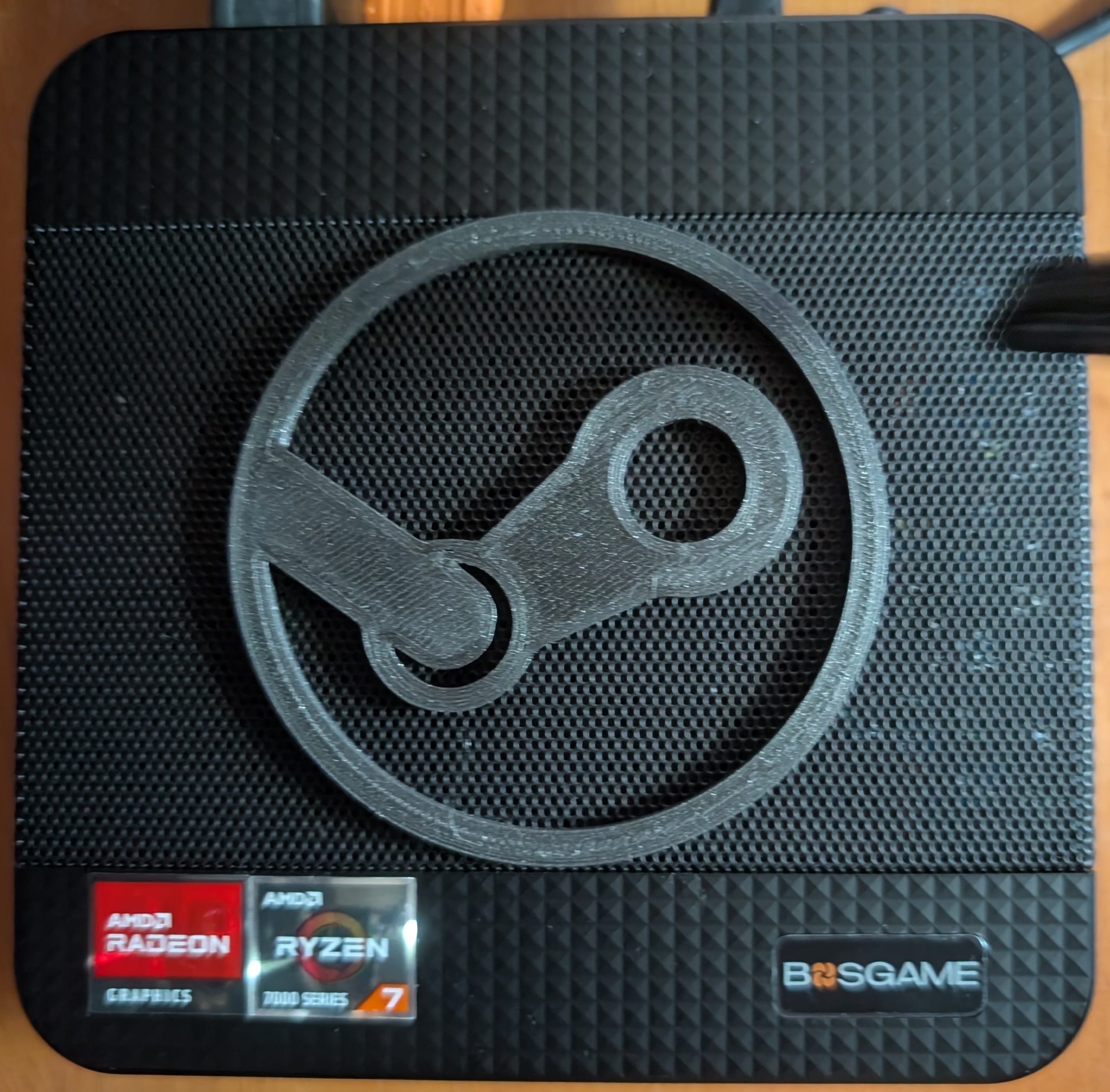
One long time hobby of mine that I haven’t discussed on the blog before is computer gaming. I have purchased and gamed on new, while they were current models, almost every Playstation model starting with the original through the current PS5 and many of the secondary models including the PSP, Vita, PSTV, PSVR, PSVR2, and Portal. Also my collection included a few but not all, of the XBox models. In Nintendo land, I have a GameBoy Advanced, a DS, a Switch Lite, and a Switch 2. For most of that time I’ve also had a gaming PC that gets regular rolling upgrades and off and on I’ve had a gaming laptop. Also, I have had a succession of Android phones and tablets and starting relatively recently some handhelds. Finally, I have an original 512gb LED Steam Deck (upgraded to a 2tb drive).
In November, 2025, Valve announced their forthcoming “Steam Machine.” The ‘machine is a cute little 6″ cube PC that is designed for living room use. It is more powerful than the Steam Deck but not a high end device. It can play most games but cannot achieve high frame rates on the latest AAA games. I was interested because I thought it would be nice to have a way to play my significant Steam library on my 4K television, perhaps with additional players. Over last Christmas we had played a 4 player strategy dungeon crawler game called Sunderfolk on the TV. We really enjoyed it, but we had to use my aging gaming laptop propped up on its side to reduce overheating – this was non-optimal.
A number of months pass, until in June 2026, Steam announced the price of the device. Two models, without controllers, were $1050 (512gb) and $1350 (2tb). Ouch! The AI datacenter caused rampokolips had struck. Nevertheless, I put myself in the free reservation line to get a chance to buy one at a later date. Months passed. At the end of September, Valve finally sent me an email that my place in line had come up and that I could now buy one if I wanted. After some thought, I decided that I wouldn’t get $1050 in additional capability over my many current devices and current gaming desktop computer. Adulting! Who knew?
So, I quietly minded my own business until, out of nowhere, a YouTuber who I follow called TechDweeb posted this video about making a $190 Steam Machine. I was intrigued. He purchased a low-end mini-PC (his affiliate link) and installed Bazzite, a Linux distro that runs Steam. It worked. Its performance was a very far cry from the official Steam Machine, but it ran indie games and older AAA games acceptably. One major takeaway from his work was that upgrading from that machine’s stock 8gb of shared ram to 16gb made a big performance difference on newer games.
Research
So, I headed off to Amazon. There are a very large number of mini-PC brands. And within each brand there are a nearly endless variety of models with different specifications. Not having any basis to choose differently, I restricted myself to the same Bosgame brand that the video had used. There were still a very large number of models.
I decided that I would just get a 16gb model to begin with rather than buying a stick to add manually. I also decided that the 256gb of storage in the base model wasn’t enough; I needed 1tb. And while I was nickel-and-diming upgrades, I also sprung for a faster processor. I ended up with this model, the BOSGAME P4 Ultra Mini PC, Ryzen 7 7730U, 16GB DDR4, 1TB PCIe SSD. It was more than the $190 that the video’s machine started at, but still was well under half the price of the Steam Machine.
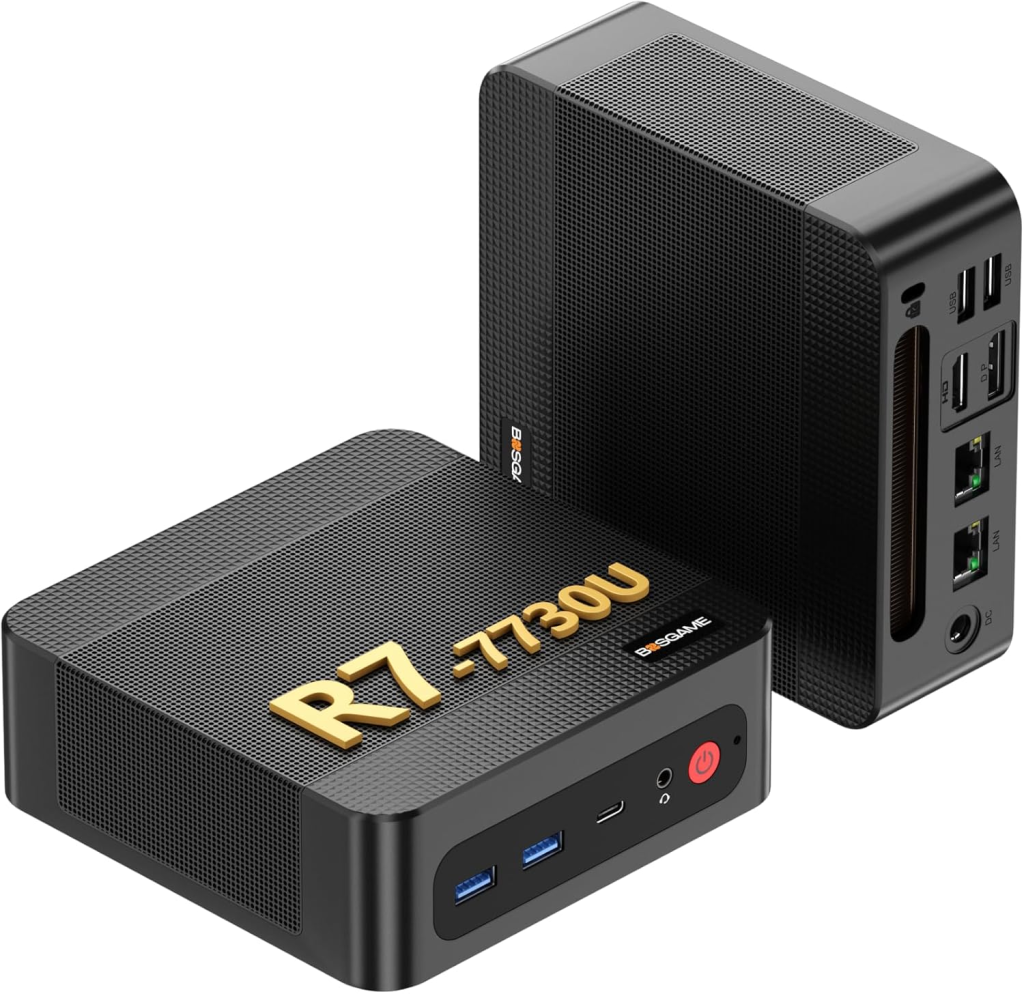
The PC came with Windows 11 Pro on its 1tb drive. I dug through my parts bin and found another 1tb drive that I had sitting around. I decided to install Bazzite on the second drive and dual-boot so that I could switch between the operating systems.
Setup
The box is tiny, roughly 5″x5″x2″, and quiet. I have yet to hear the fan spin up except when I had the case open. Bosgame released this video on how to open the box and install ram and a second solid-state drive. It was really easy. Out of an abundance of caution, I removed the Windows SSD, installed the blank SSD into the other slot, did my formatting and Bazzite install, and then reinstalled the Windows drive. That way I didn’t accidentally choose the wrong drive to install on and wipe out Windows. Once I was done juggling drives, I reassembled the case and moved onto setup.
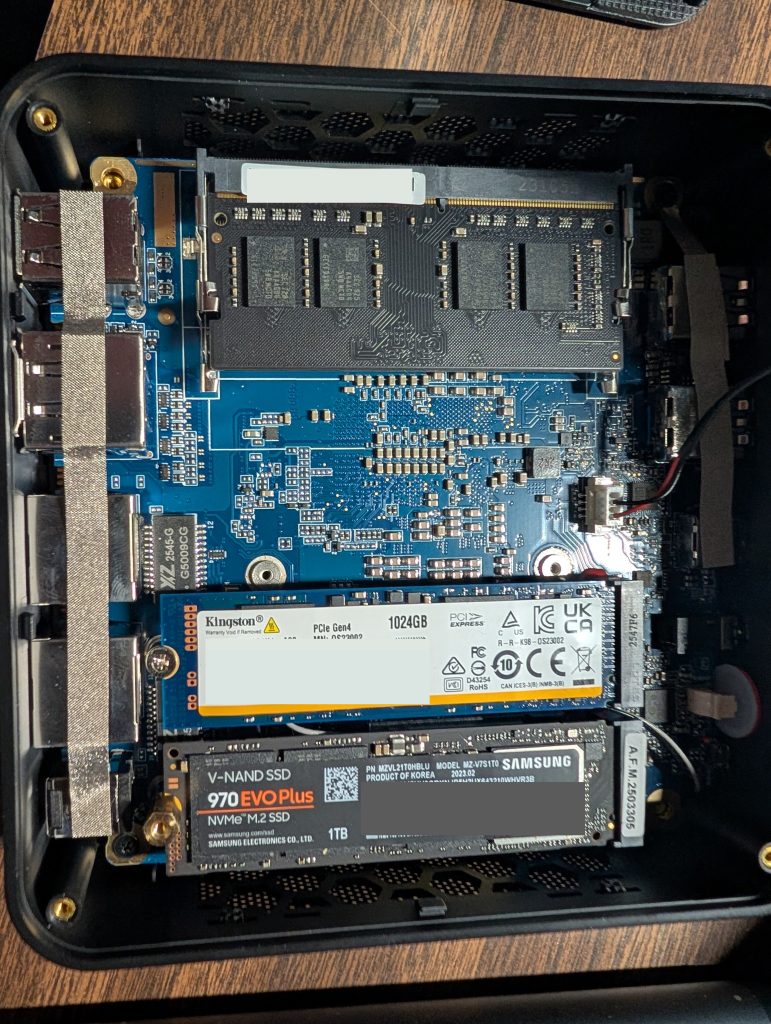
I followed this video for installing Bazzite. It was really easy. While I was installing things I hooked the mini-PC up to my main gaming monitor and plugged in an old keyboard and mouse. Other than the monitor deciding to switch inputs semi-randomly between the two computers that were temporarily sharing it, everything went smoothly. I initially installed the desktop version of Bazzite but quickly switched to the console version. (I occasionally do briefly switch to the desktop to install a utility or copy files but don’t stay there for long.)
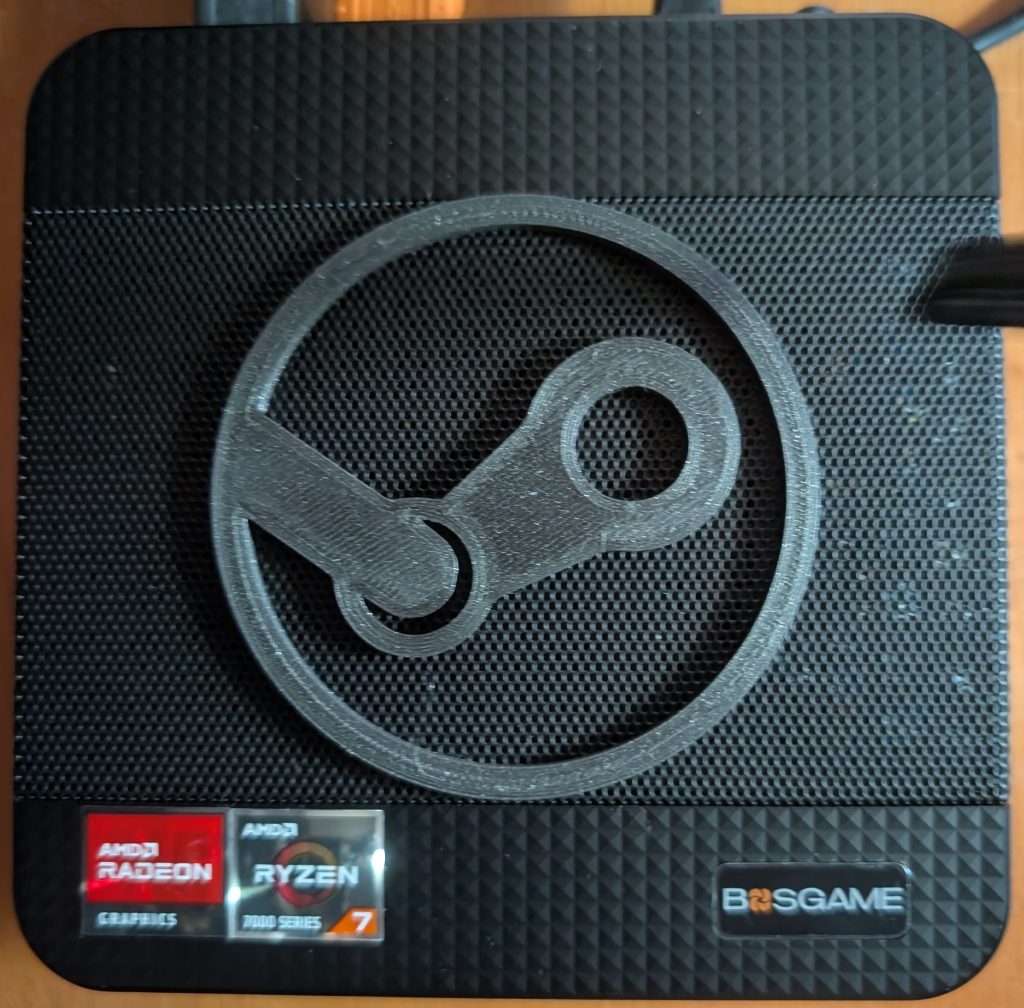
Finally, it was time to do some customizing. I found this 3-D printable steam logo online. I adjusted the scale to be appropriate for the mini-PC and printed it. A little black double-sided tape under the wide portions of the logo gave me the finished look:
I spent some time downloading the minimal basics for a gaming machine on both the Windows and Bazzite sides of the machine: Steam, a browser, and a bunch of games.
Then, I moved it from my office to the living room and plugged it into my A/V receiver that switches between all of my various devices. Since I didn’t want to be connected via wires, I picked up a wireless keyboard with a trackpad. Logitech makes one that takes AA batteries. I decided to get this other model that recharges via USB-C. I have a variety of controllers that I like, primarily from 8bitDo, but I decided to use the new official Steam Controller. Finally, I 3-D printed this Steam Controller charging stand.
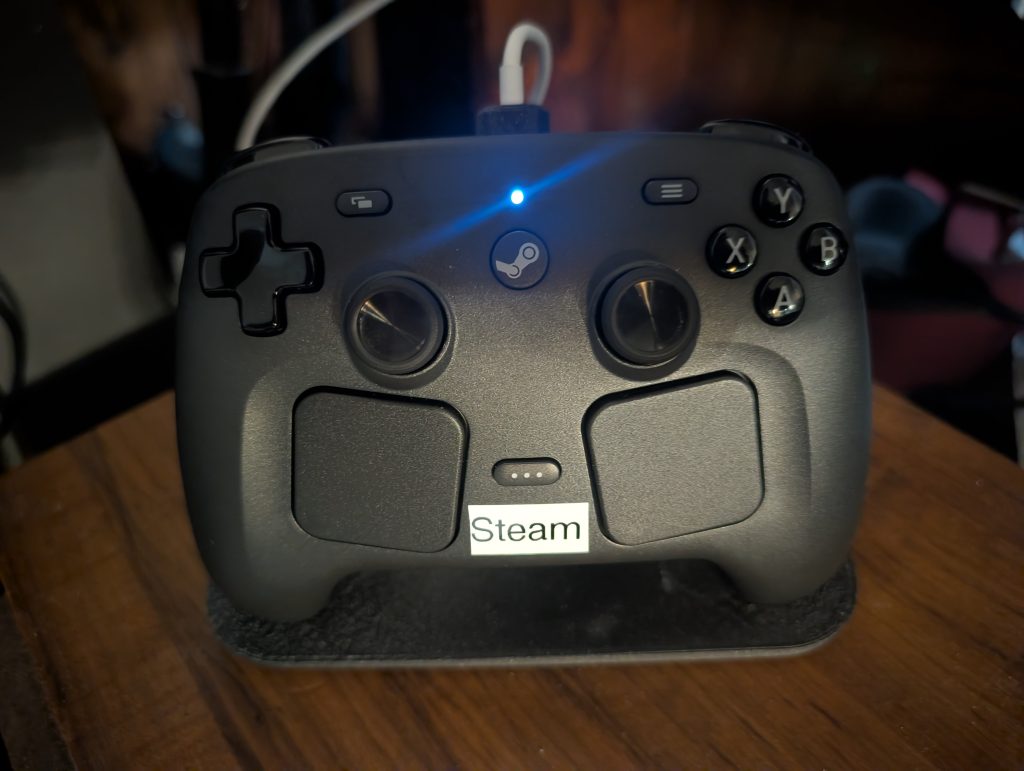
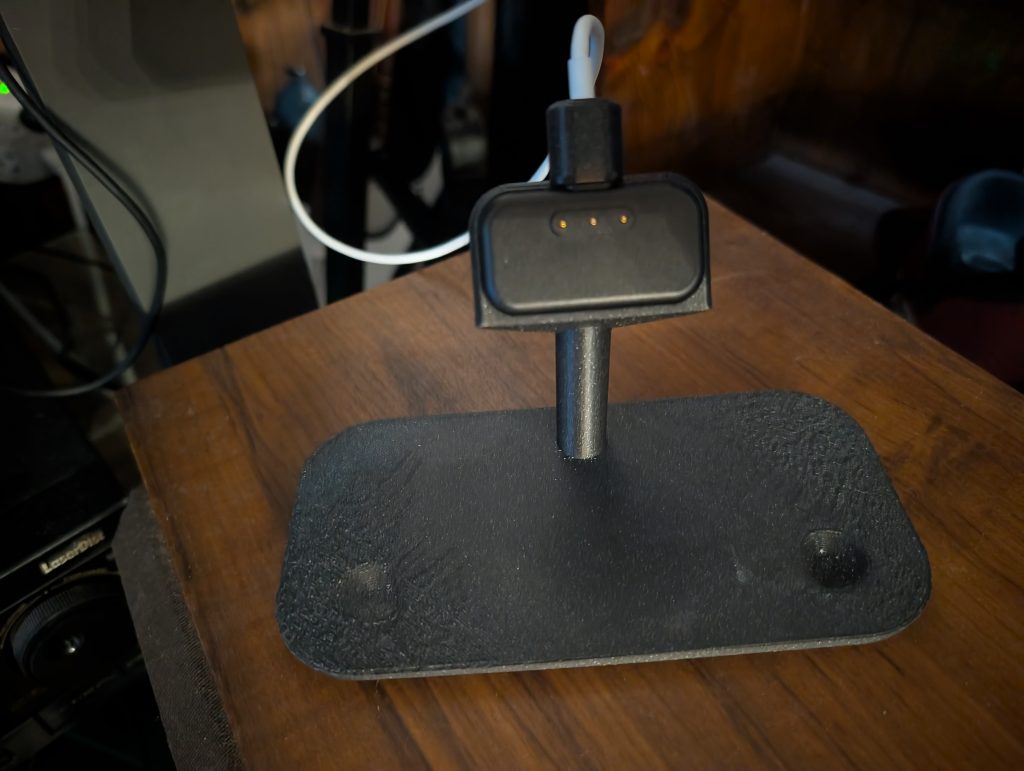
Gaming
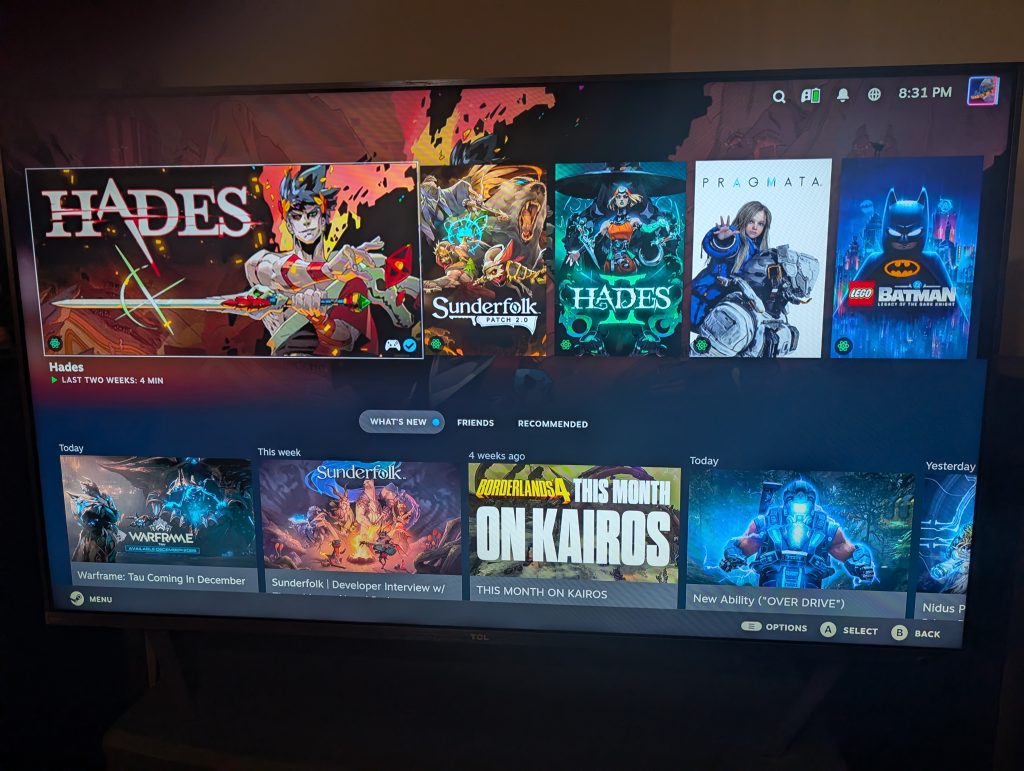
I have started and run 10 seconds of several games to verify that they seem to work. The only game that I have played for any length of time so far is the new Lego Batman: Legacy of the Dark Knight. It runs just fine at low settings and seems to be roughly comparable to the performance on the Steam Deck. I have not turned on the frame rate display or run any real benchmarks. But, I’m happy that it runs a very recent, if not particularly demanding, game well enough to enjoy.
As I was sitting down to write this article, Russ from Retro Game Corps, released a video on a very similar build using a slightly more expensive mini-PC and SteamOS. Same idea with slightly different components. Russ’s video focuses a lot on installing emulators and retro games on the machine.